01
Your routine. Your rules.
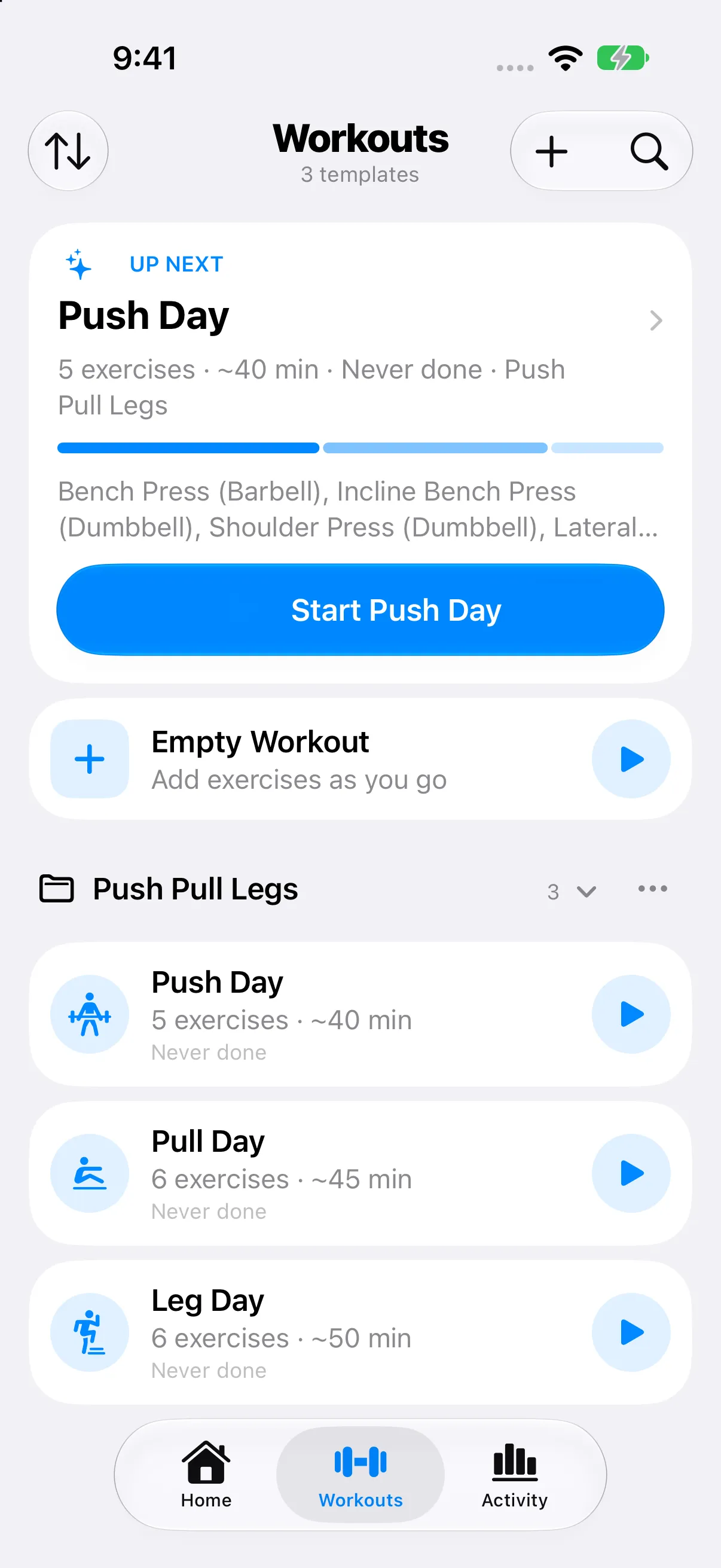
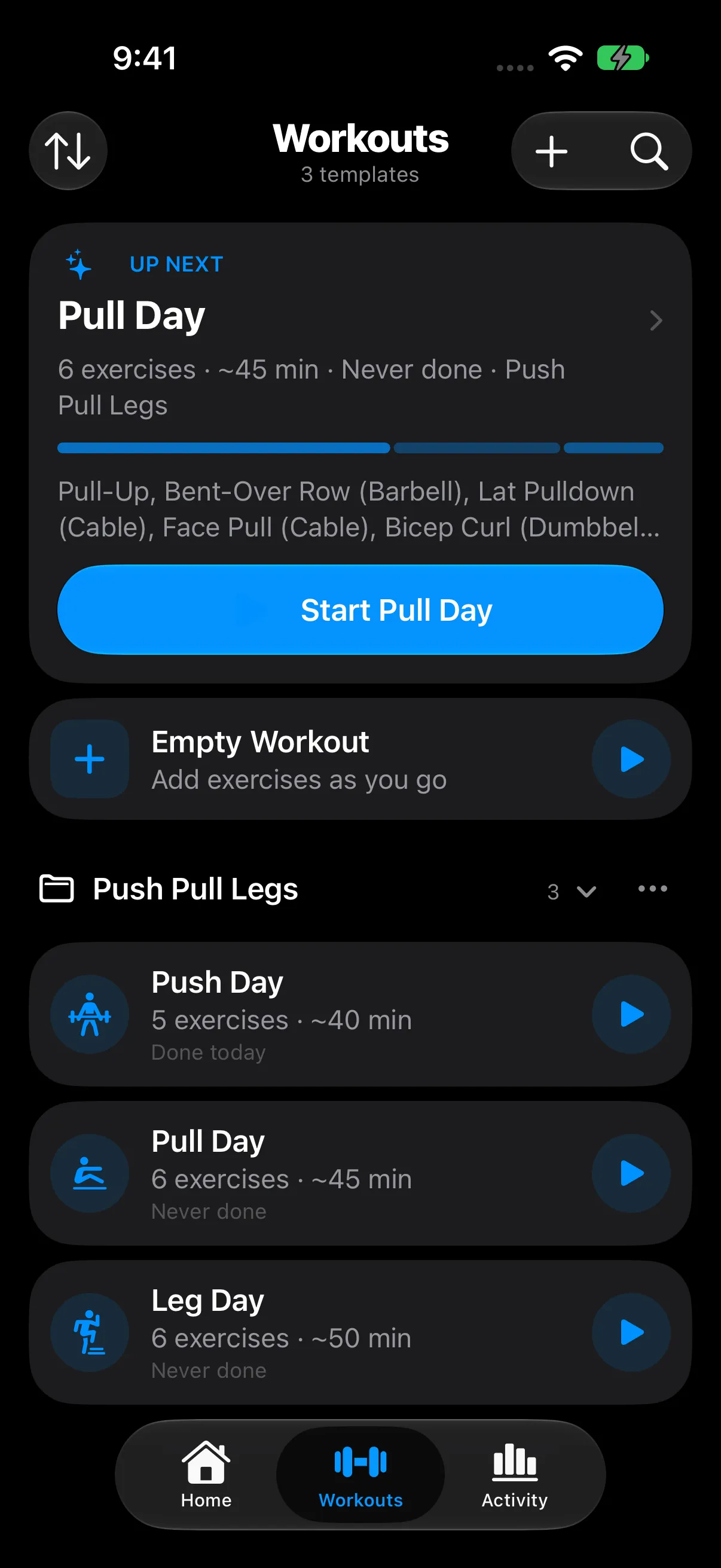
Start with full-body, push/pull/legs, or upper/lower templates. Build your own, organize them in folders, and start your next session with one tap.
Your training. All in.
A workout tracker that keeps up with you. Get a starting plan with AI assistance, log your sets, and see your progress. Built for iPhone and iPad.
No ads. No paywalls. No subscriptions.
iPhone & iPad · iOS 26.1 or later
From your first set to your next personal best.
Your workout tracker shouldn’t be another subscription.
Train with a little less friction
Open RepCalc and your next workout is right there. Everything else follows your pace.
Start with full-body, push/pull/legs, or upper/lower templates. Build your own, organize them in folders, and start your next session with one tap.
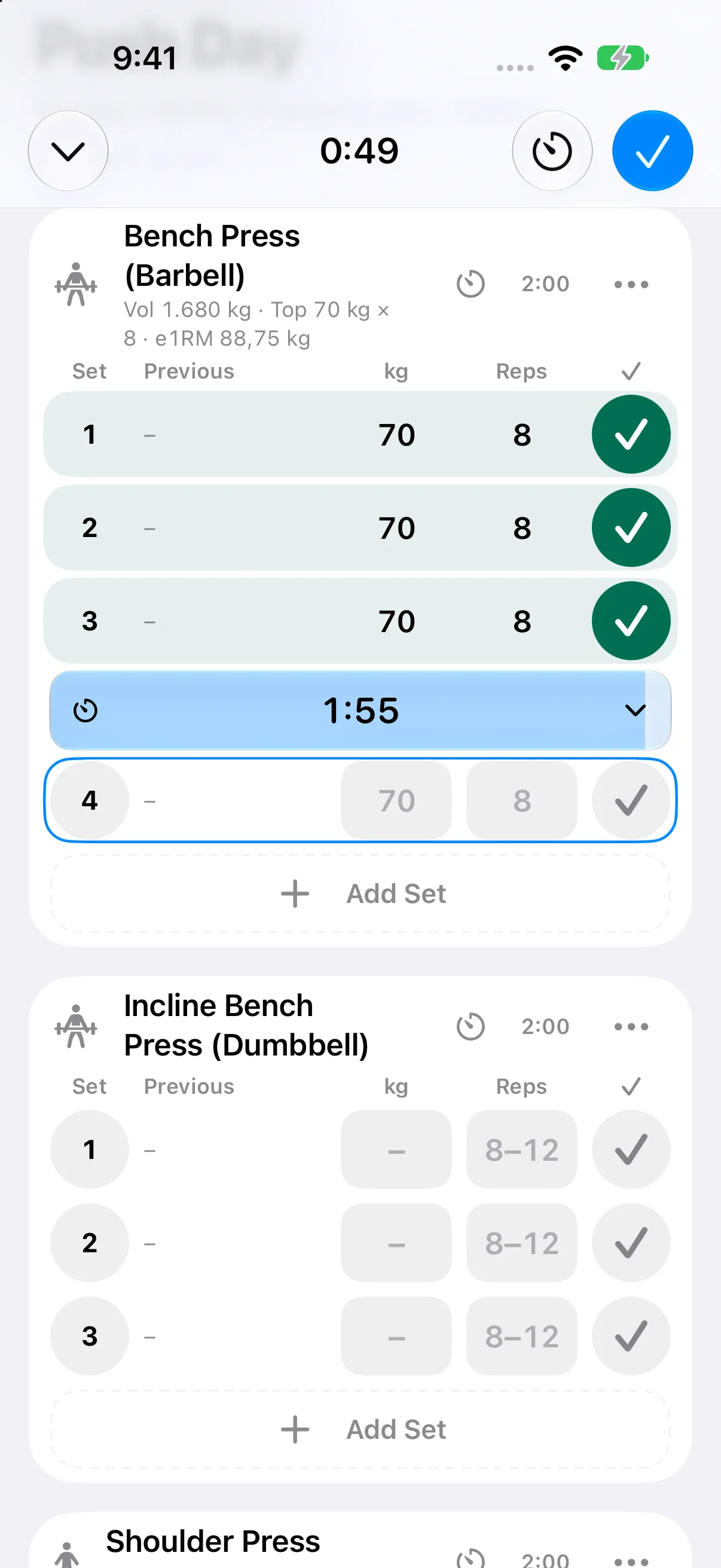
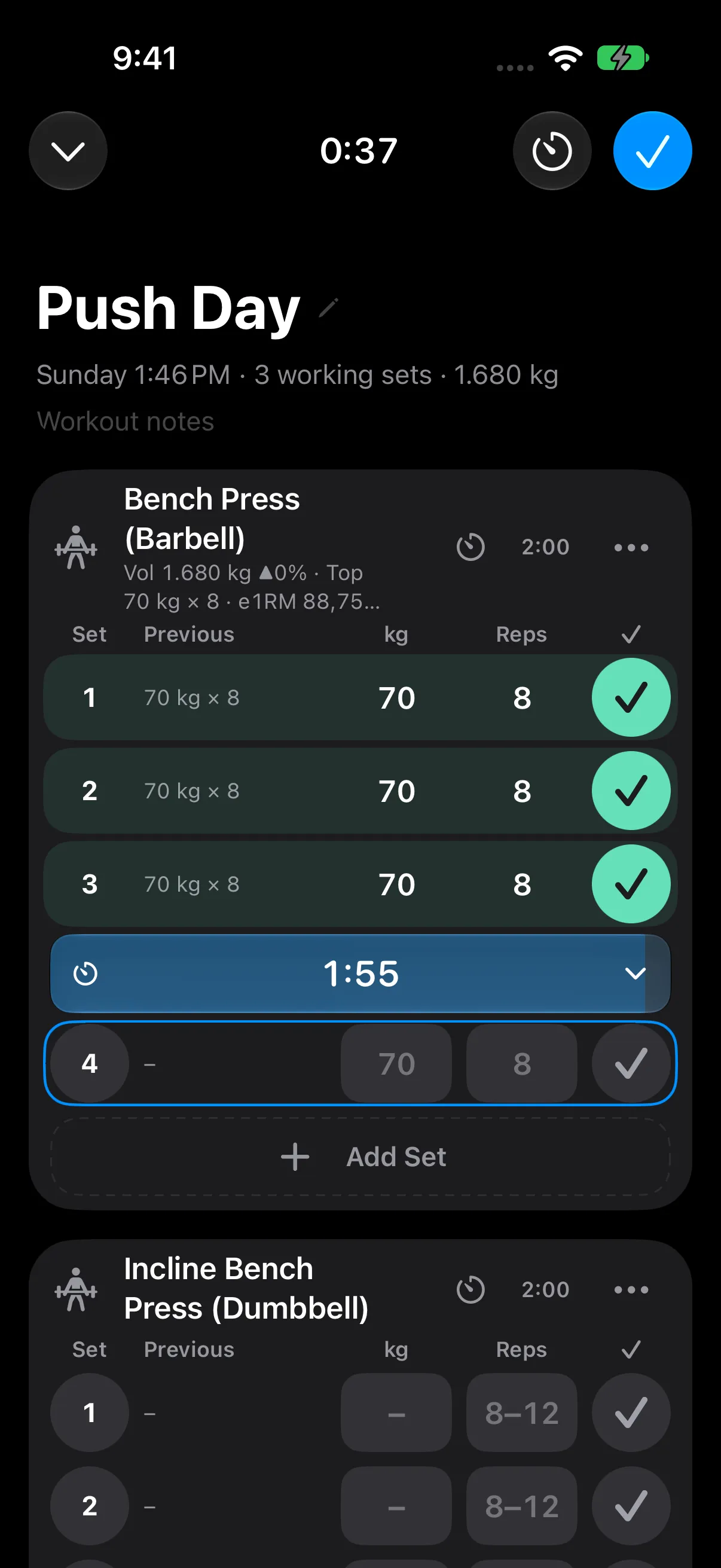
A dedicated number pad, previous-session values, supersets, and automatic rest timers keep logging quick when your focus is on the next set.
Look back at your workout history, training volume, streaks, and personal records. Know what you lifted last time and where you can go next.
AI-assisted workout planner
New to lifting, getting back into it, or unsure how to structure your week? Answer six simple questions and let RepCalc help you turn your goals into a routine.
Your goals, experience, training days, session length, equipment, and preferences shape the plan.
RepCalc builds the training structure. Apple AI can help interpret your notes and select exercises from suitable options.
Review the week, swap exercises, and save it as editable routines. You stay in control of what you train.
Included free. No extra AI payment to RepCalc.
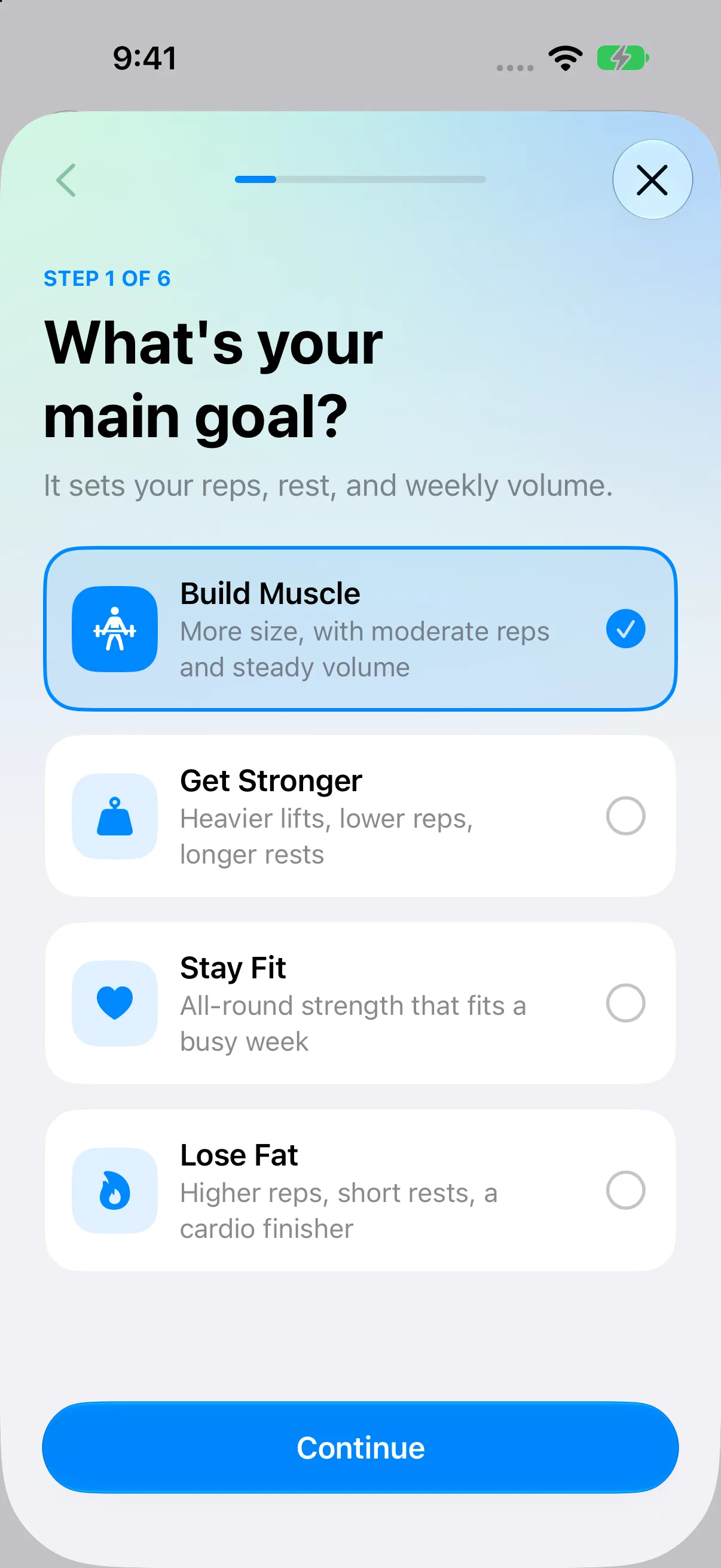
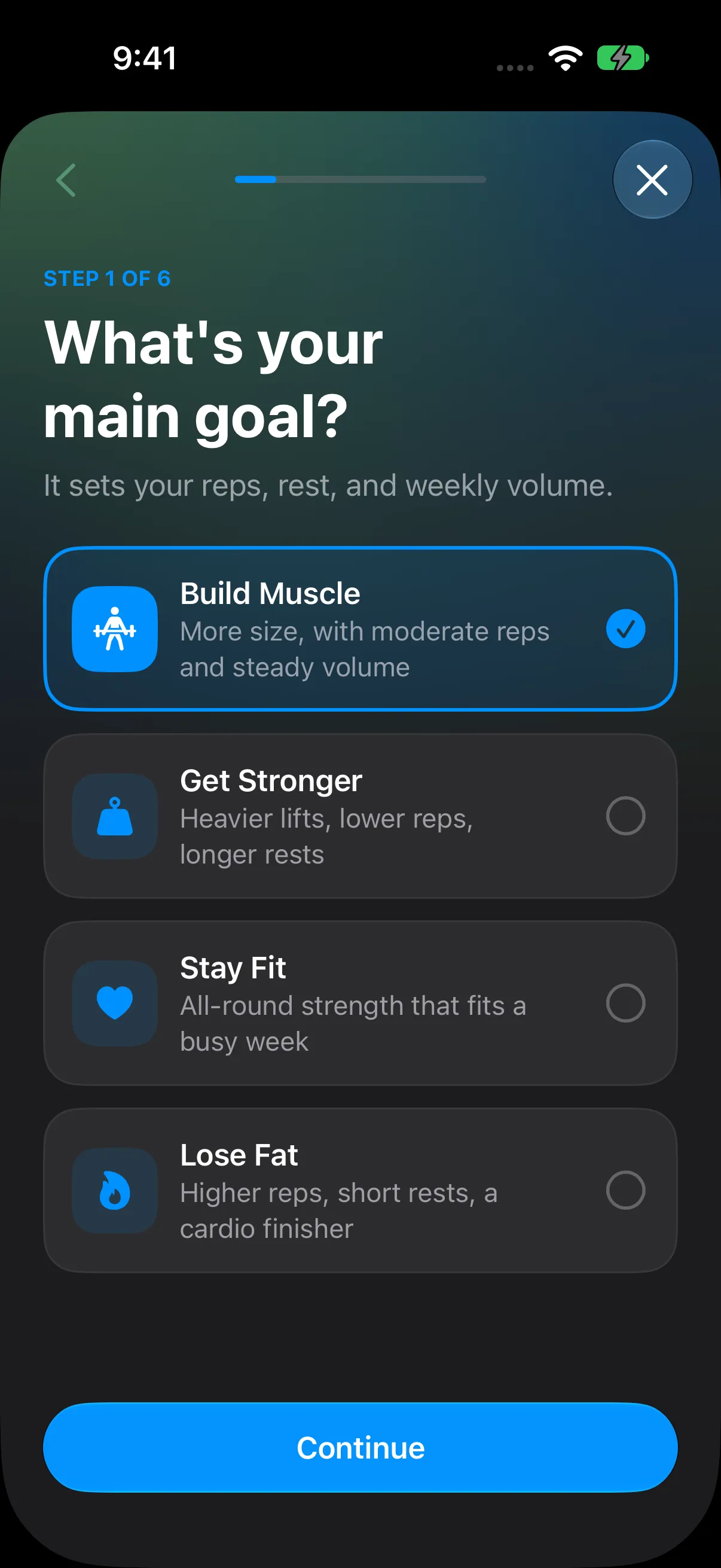
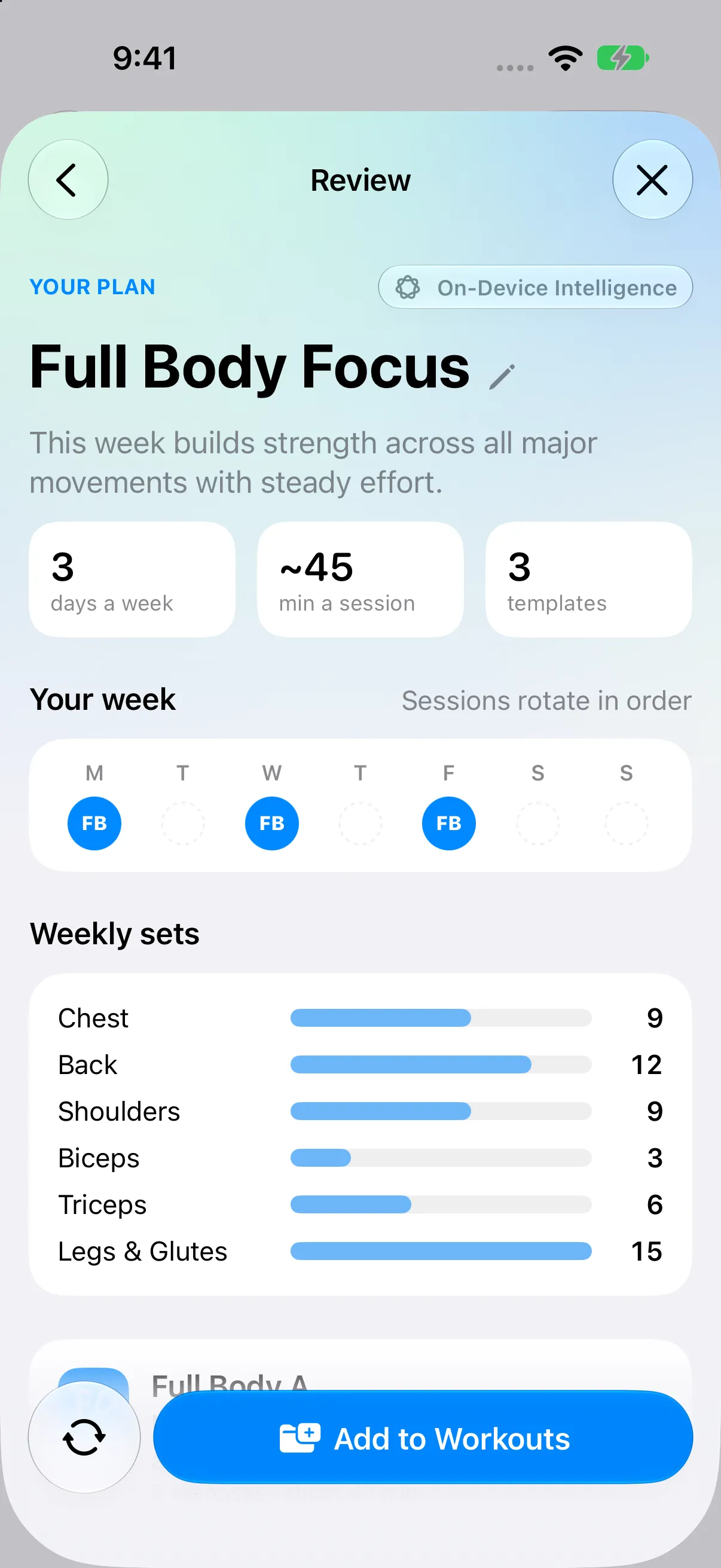
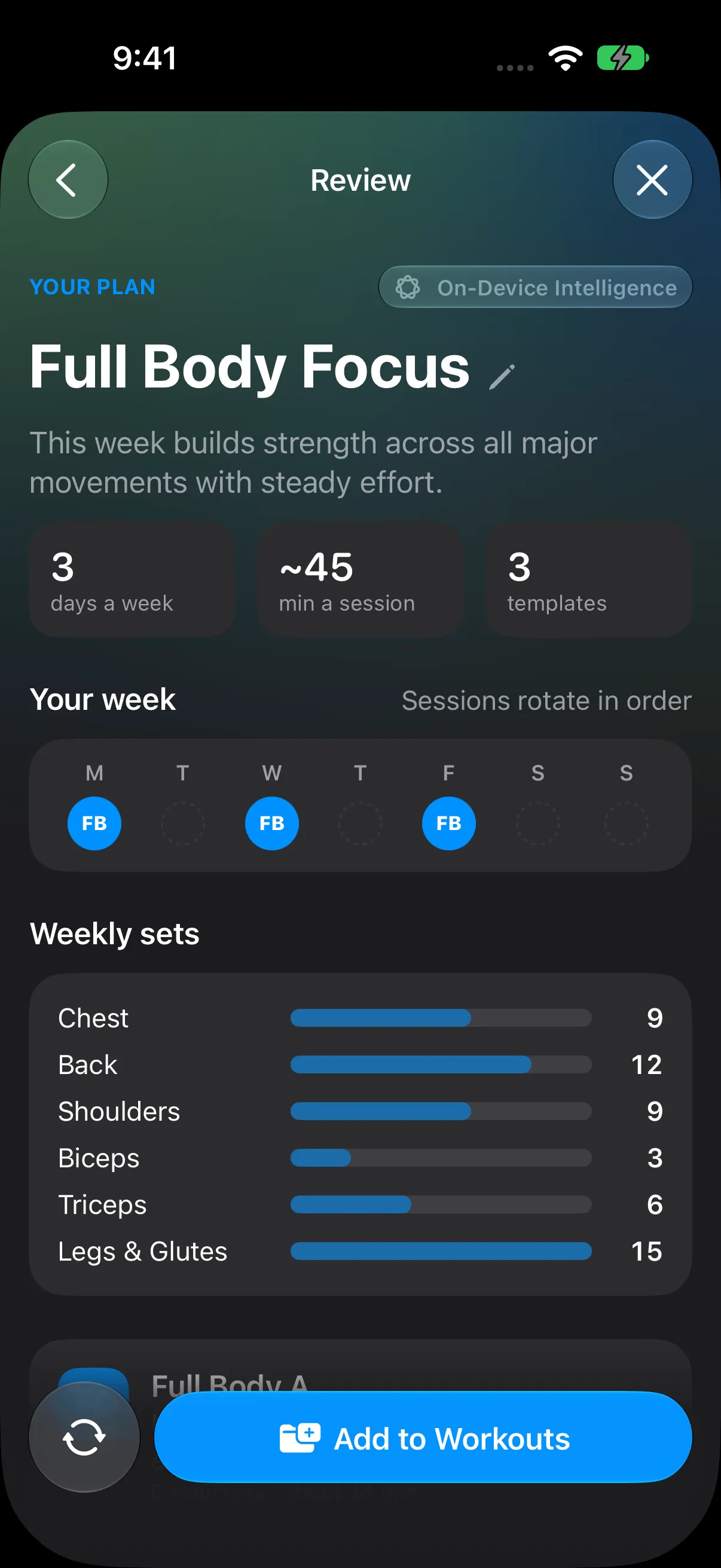
Actual simulator captures. Demonstration preferences.
On compatible Apple Intelligence devices, Apple’s on-device model assists with your plan. Your planning answers stay on your device for this processing.
Choose Apple’s larger cloud model for additional assistance with your notes and exercise options. It runs only with your consent; your planning answers are sent to Apple for that request.
The planner also works without AI. RepCalc’s local training rules provide a plan when Apple AI is unavailable or a cloud allowance is reached.
* Private Cloud Compute: availability and usage limits depend on your compatible device, region, and current Apple Account plan, including iCloud+. Apple sets the allowances; a higher allowance may require a paid Apple plan. RepCalc adds no AI fee and does not require you to upgrade. Cloud assistance requires iOS 27 or later, an internet connection, and your consent. On-device AI also requires supported hardware and settings. Apple’s explanation of Private Cloud Compute and usage limits · How RepCalc handles your data.
A closer look
Real screens from RepCalc. A place for every routine, every session, and every small win.
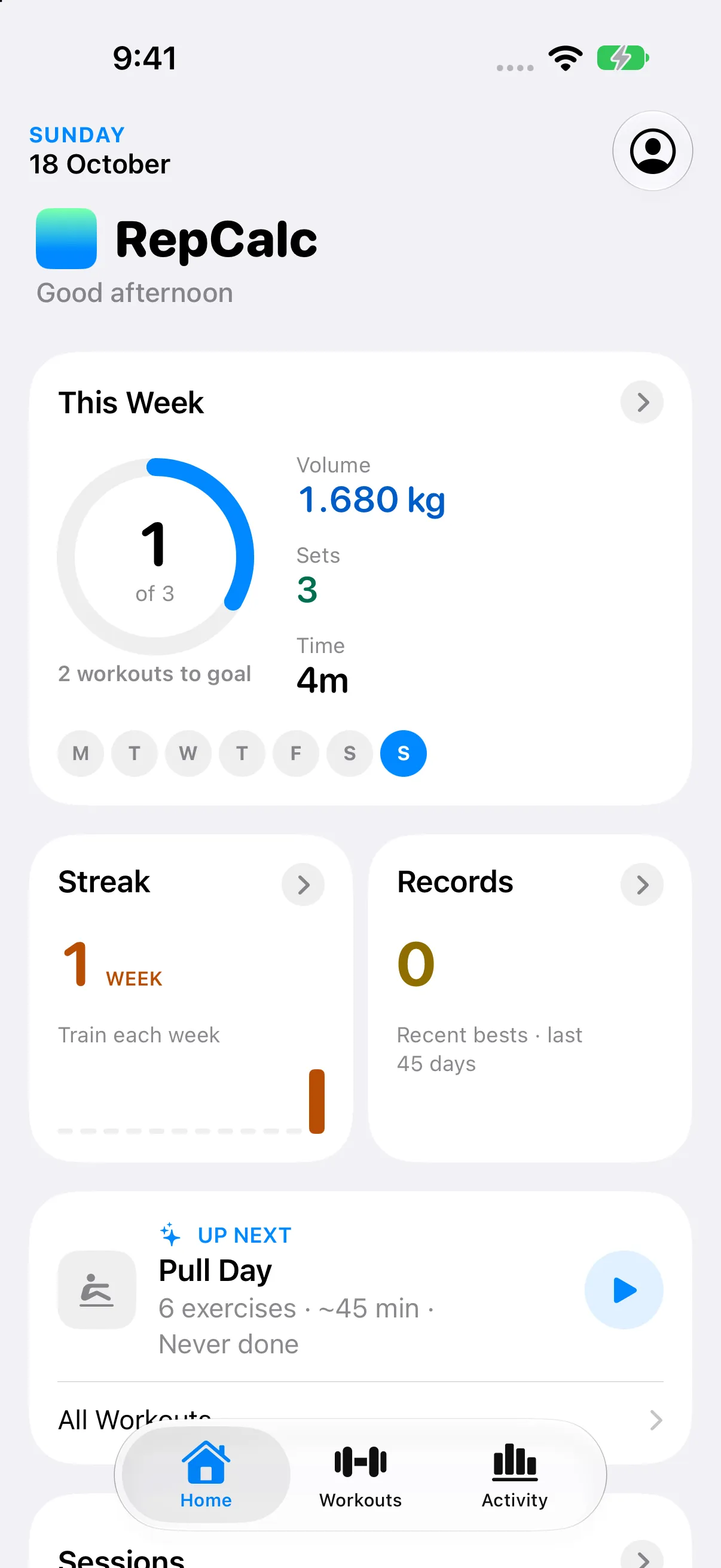
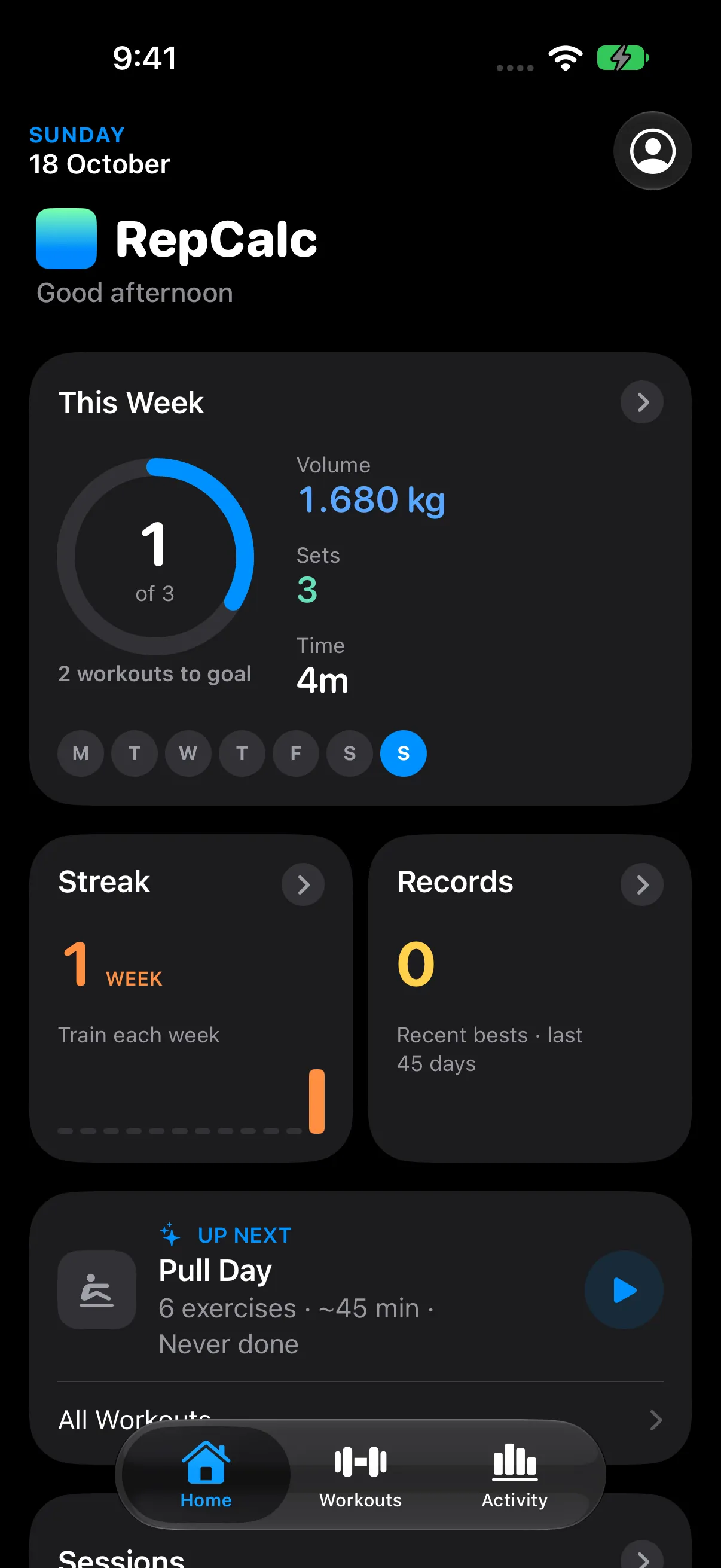
Captured in the iOS Simulator with demonstration workouts. Pre-release interface; details may change.
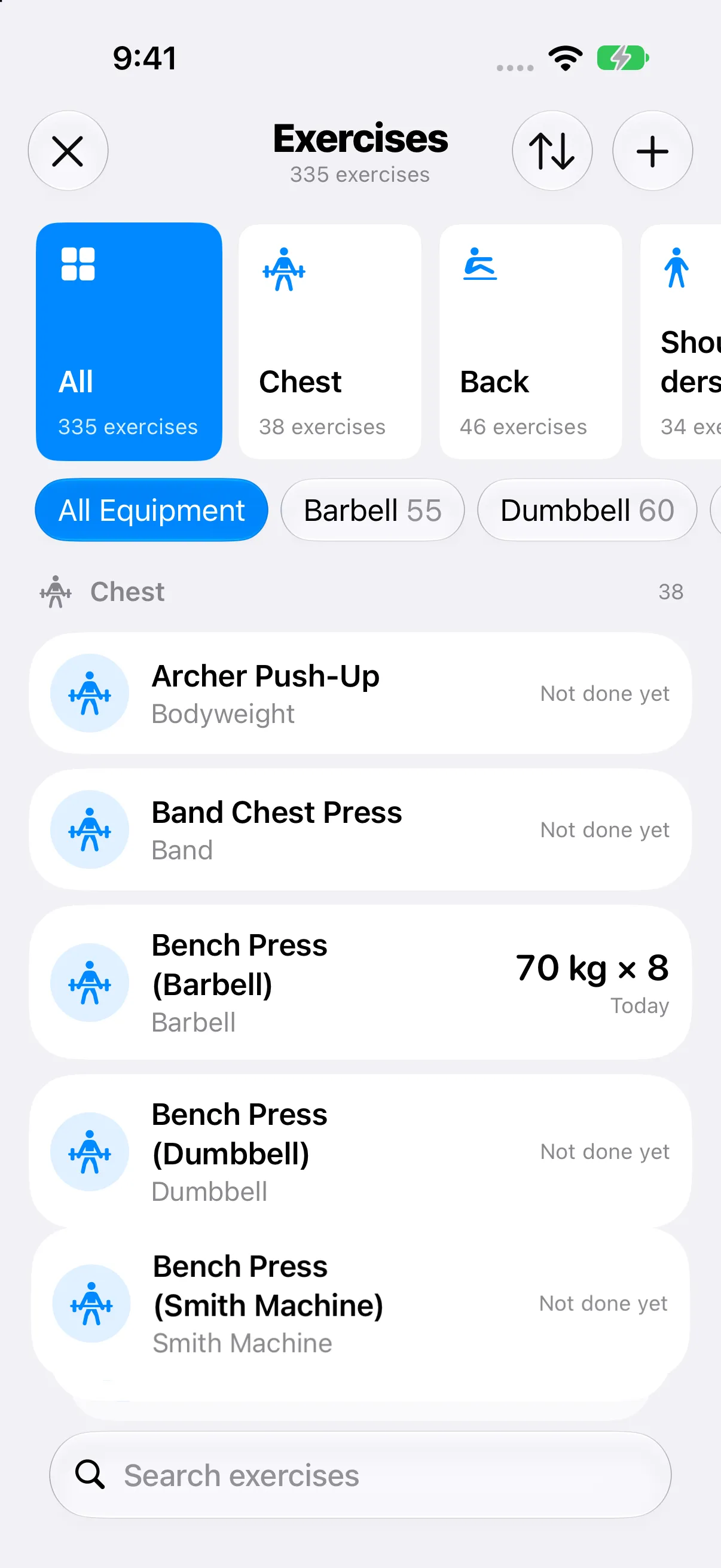
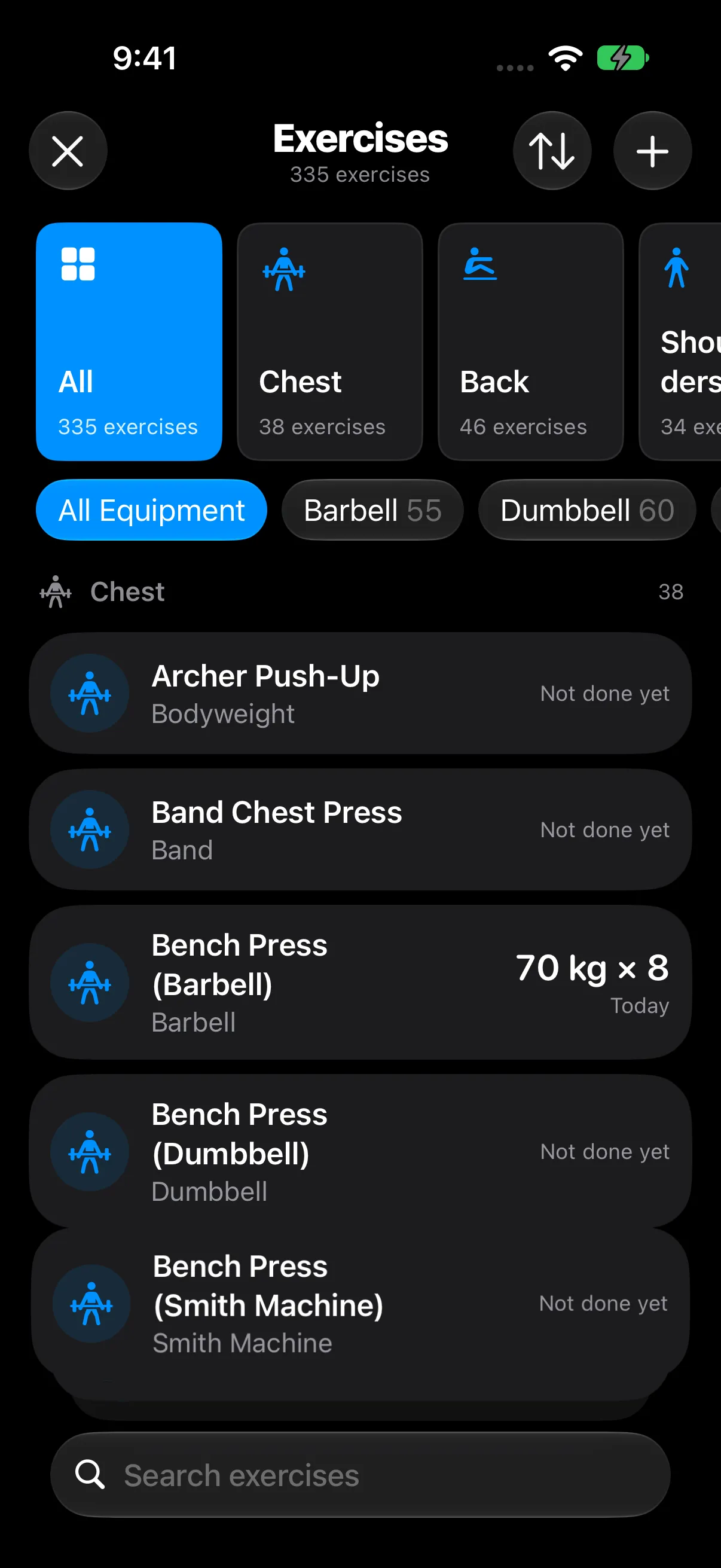
Find your next movement
Barbells, dumbbells, machines, bodyweight. Find the exercise that fits your session with local search and muscle and equipment filters.
Need help getting started? Explore the AI-assisted planner
Live Activities
Check your rest timer and keep your session in sight from the Lock Screen or Dynamic Island. Your workout keeps going while you get on with your rest.
On supported iPhones, with Live Activities enabled.
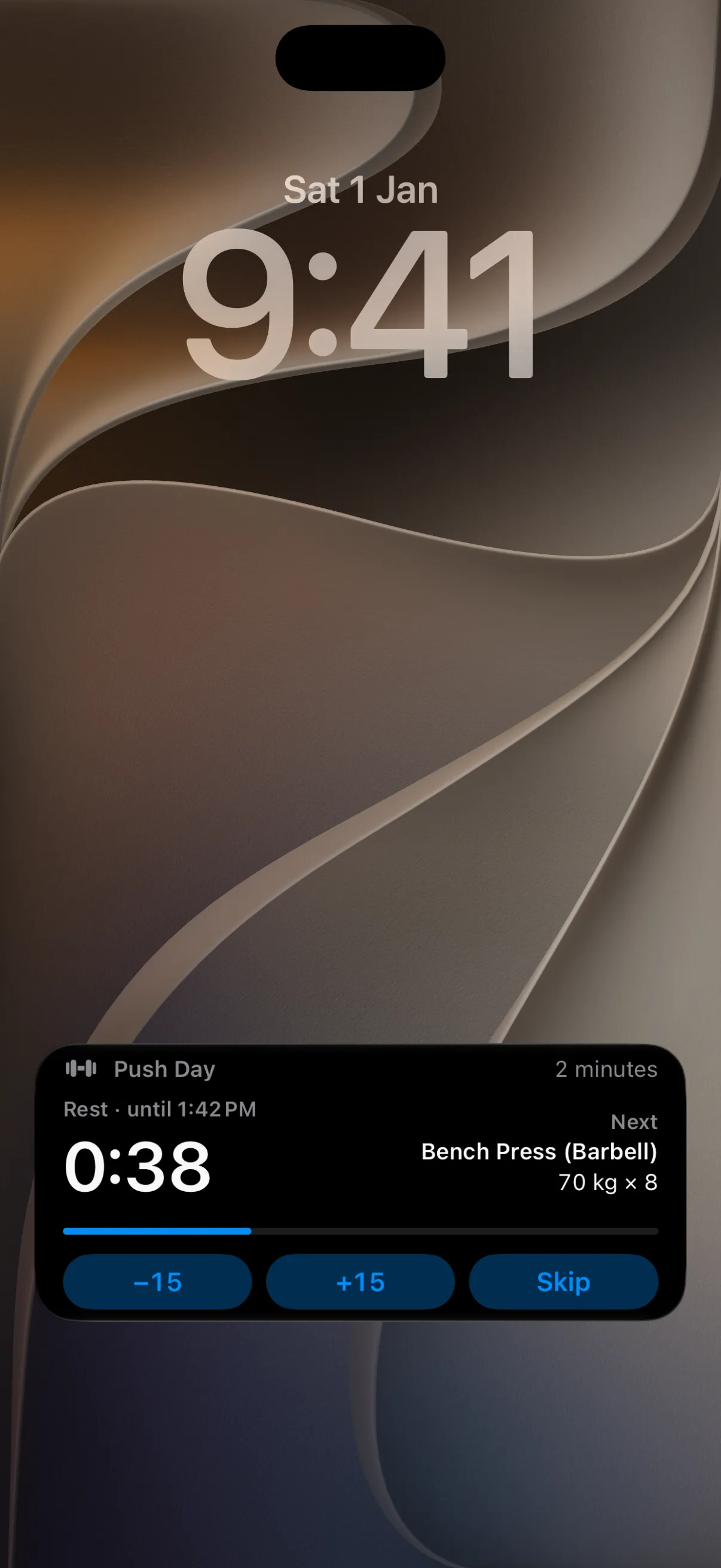
Actual iOS Simulator capture.
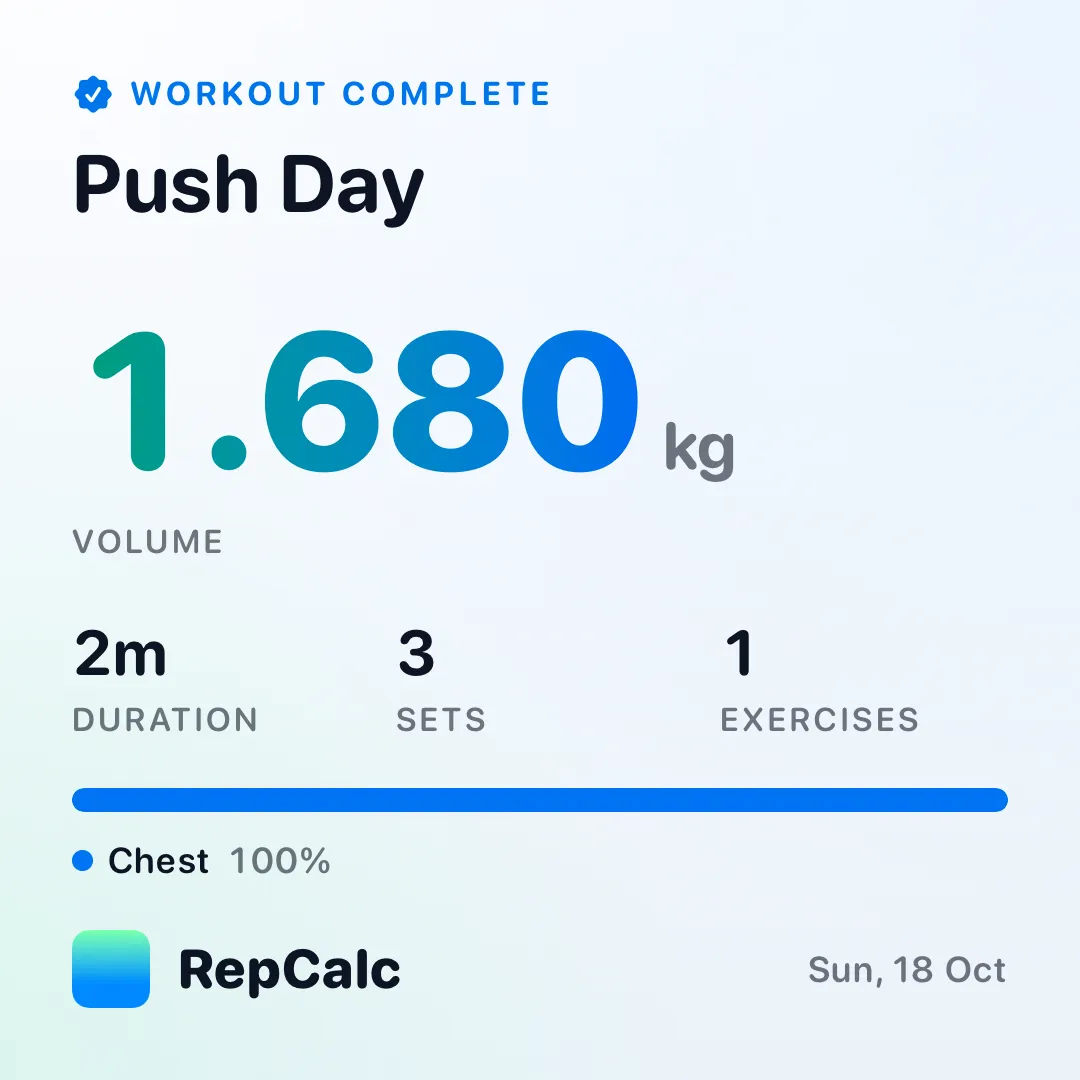
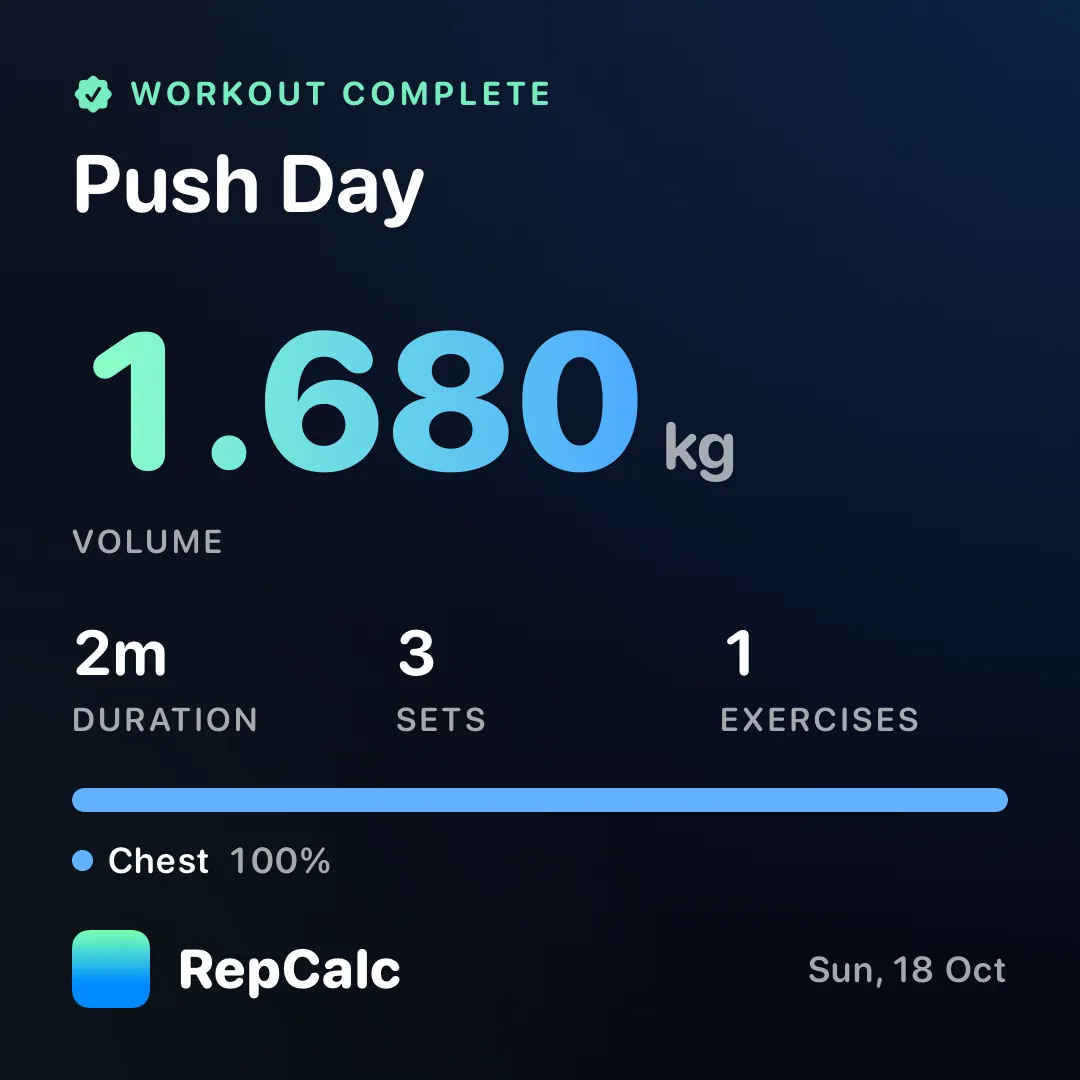
Actual cards exported from RepCalc with demonstration data.
Share the work you put in
A finished workout deserves more than a row in your history. Turn your session into a share card for your friends, your group chat, or your social feed.
Share with your favorite apps and people. No account required.
Thoughtful by default
Choose to save workouts and connect supported body and workout metrics. You control Health permissions.
Your gym log works offline. No account required. Optional private iCloud sync keeps supported data across your Apple devices.
Native iPhone and iPad layouts, light and dark themes, Dynamic Type, VoiceOver, and support for Reduce Motion.
Import Strong or Hevy CSV history. Back up and export your RepCalc data so the work you put in stays yours.
100% of the features.
0 subscriptions.
Because training is enough of a commitment
Build routines with AI assistance. Log workouts. Explore the exercise library. Follow your progress. Use Live Activities. Share a workout card. It’s all part of RepCalc.
Yes. The guided planner asks six questions about your goals, experience, schedule, equipment, and preferences, then builds a week you can review, adjust, and save as routines. Apple Foundation Models can assist with your notes and exercise choices. It is a starting point you control, rather than professional coaching.
RepCalc charges no extra for AI assistance. On compatible Apple Intelligence devices, Apple’s on-device model processes your planning answers locally. With your consent, Private Cloud Compute can provide cloud assistance on iOS 27 or later. Apple sets its availability and usage allowances based on factors including your current Apple Account plan or iCloud+ subscription; a higher allowance may require a paid Apple plan. No Apple plan upgrade is required by RepCalc: local training rules still provide a plan when AI is unavailable or a cloud allowance is reached.
Yes. Create an image card from a completed workout, choose a design and theme, and export it in Square or Story format. Use the iOS share sheet to send it in messages or post with your preferred social app. Sharing is your choice and does not require a RepCalc account.
Yes. RepCalc has no ads, no paywalls, and no subscriptions. Workout logging, the guided planner, routines, progress, and the exercise library are all included. There is no premium tier to unlock.
RepCalc is coming to the App Store for iPhone and iPad. It has not been released yet. This page shows the app in development; the download link will appear here when it launches.
No account is required. Plan and log workouts offline, including in a gym with no signal. Optional private iCloud sync needs an Apple Account and a connection. Apple intelligence features depend on device, system, and regional availability; cloud-assisted planning requires a connection and your consent.
Start with a full-body, push/pull/legs, or upper/lower routine, build your own templates, or start an empty workout. Search 335 built-in exercises, filter by muscle and equipment, and add custom exercises for your own setup.
Live Activities keep your active workout and rest timer on the Lock Screen and Dynamic Island on supported iPhones. Availability depends on your device and system settings.
RepCalc supports importing workout history from Strong and Hevy CSV exports, alongside its own backup and export tools. Review the import preview before saving. Keep a copy of the original export as a backup.
RepCalc for iPhone & iPad
100% free. No ads. No paywalls. No subscriptions.
Coming to the App Store