FoodieCalc for iPhone and iPad

Native nutrition tracking, widgets, and AI quick logging.

A quick, native way to keep nutrition goals on track.

FoodieCalc makes daily calories, macros, meals, weight trends, widgets, and AI quick logging feel simple, fast, and easy to keep up with on iPhone and iPad.

Nutrition information provided by fatsecret Platform API

Powered by fatsecret nutrition API. FoodieCalc uses the fatsecret Platform API for supported nutrition search and lookup, with gratitude for the Premier Free tier that helps independent apps ship better food data.

Barcode and product lookup can also use data from Open Food Facts, the collaborative open food-products database.

FoodieCalc

FoodieCalc plate mascot

Track the day

Calories

1,420

Streak

12

Protein96g
AI Quick LogReady
"Greek yogurt, banana, oats"
DashboardDiaryLibrary

Product

A calm tracker for the whole nutrition loop.

Log faster

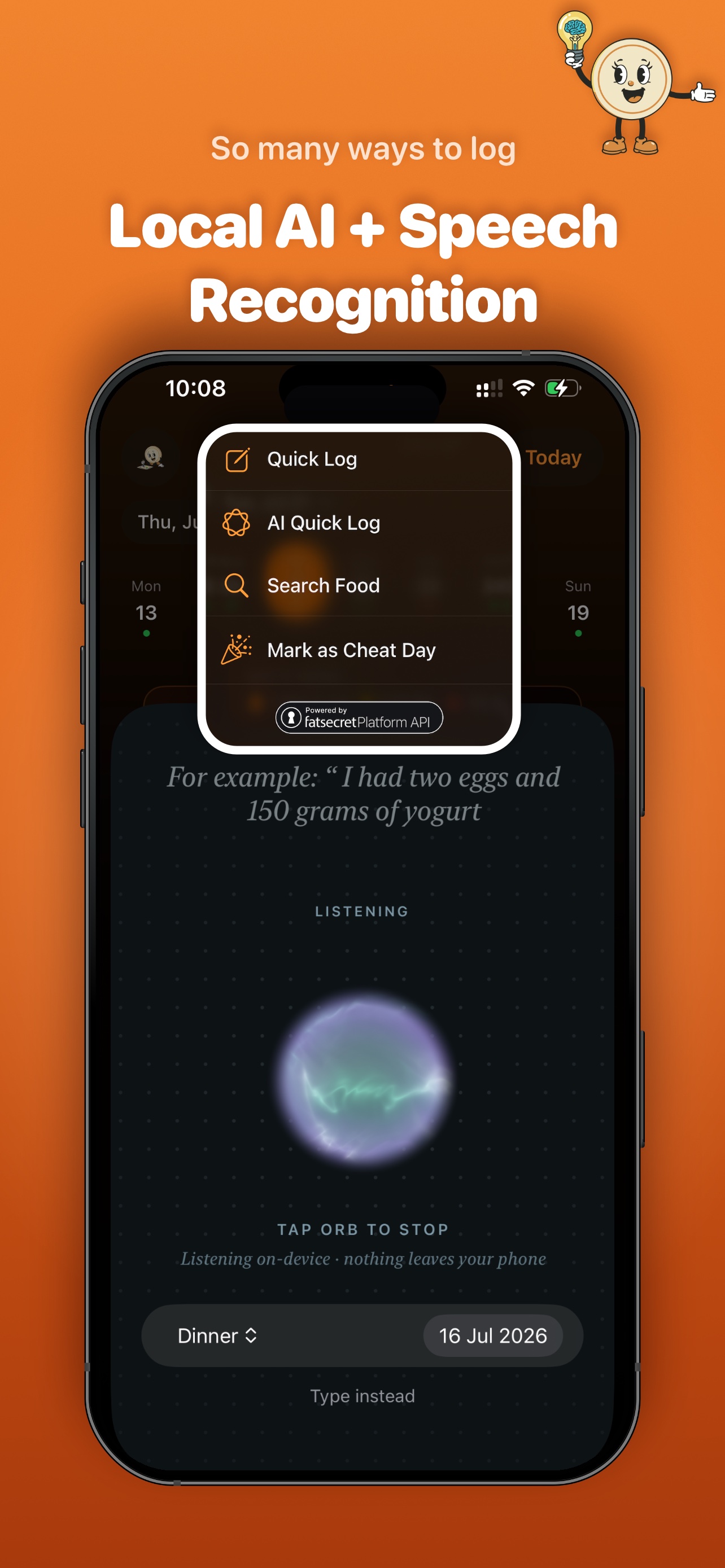
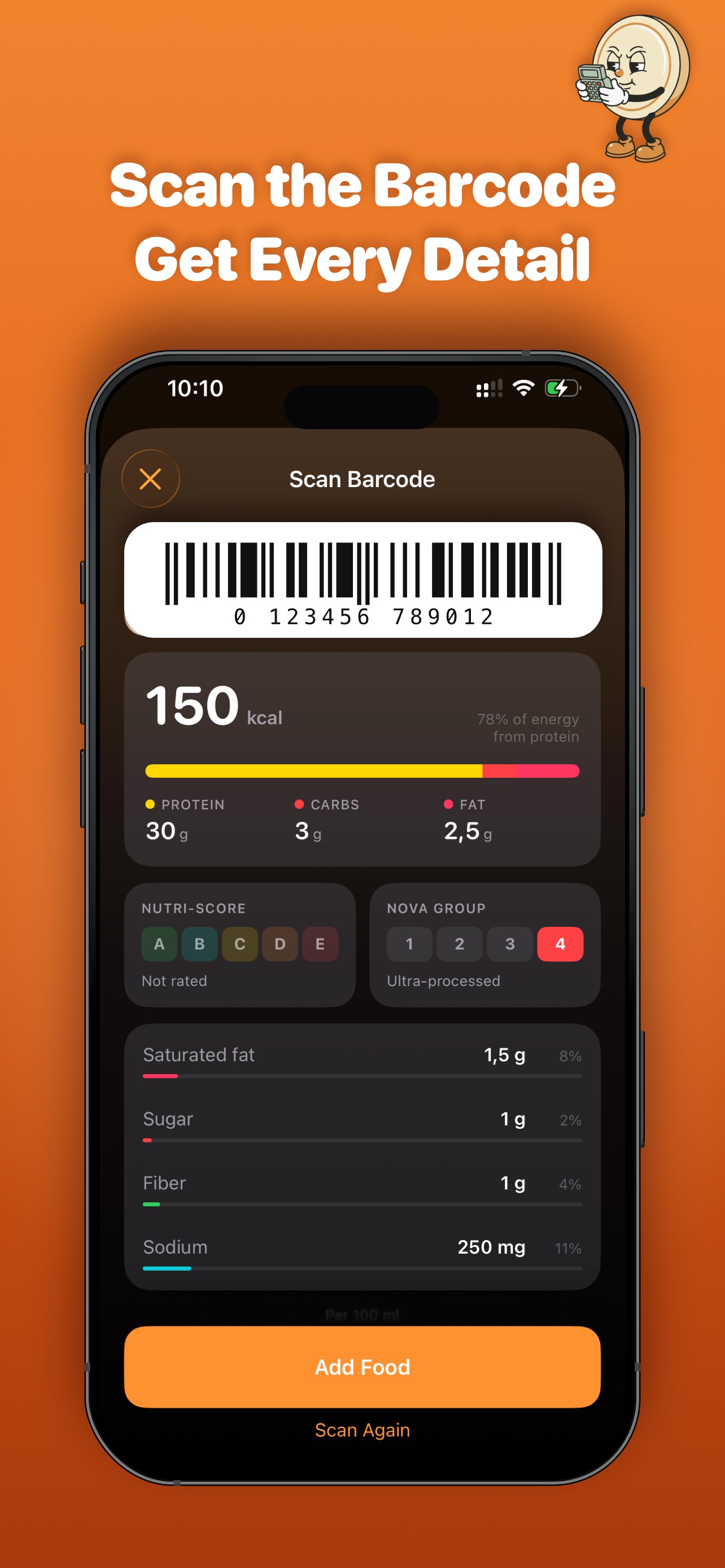
Diary search combines local SwiftData foods, recipes, saved meals, FatSecret API results, Open Food Facts barcode lookup, and AI Quick Log.

Understand progress

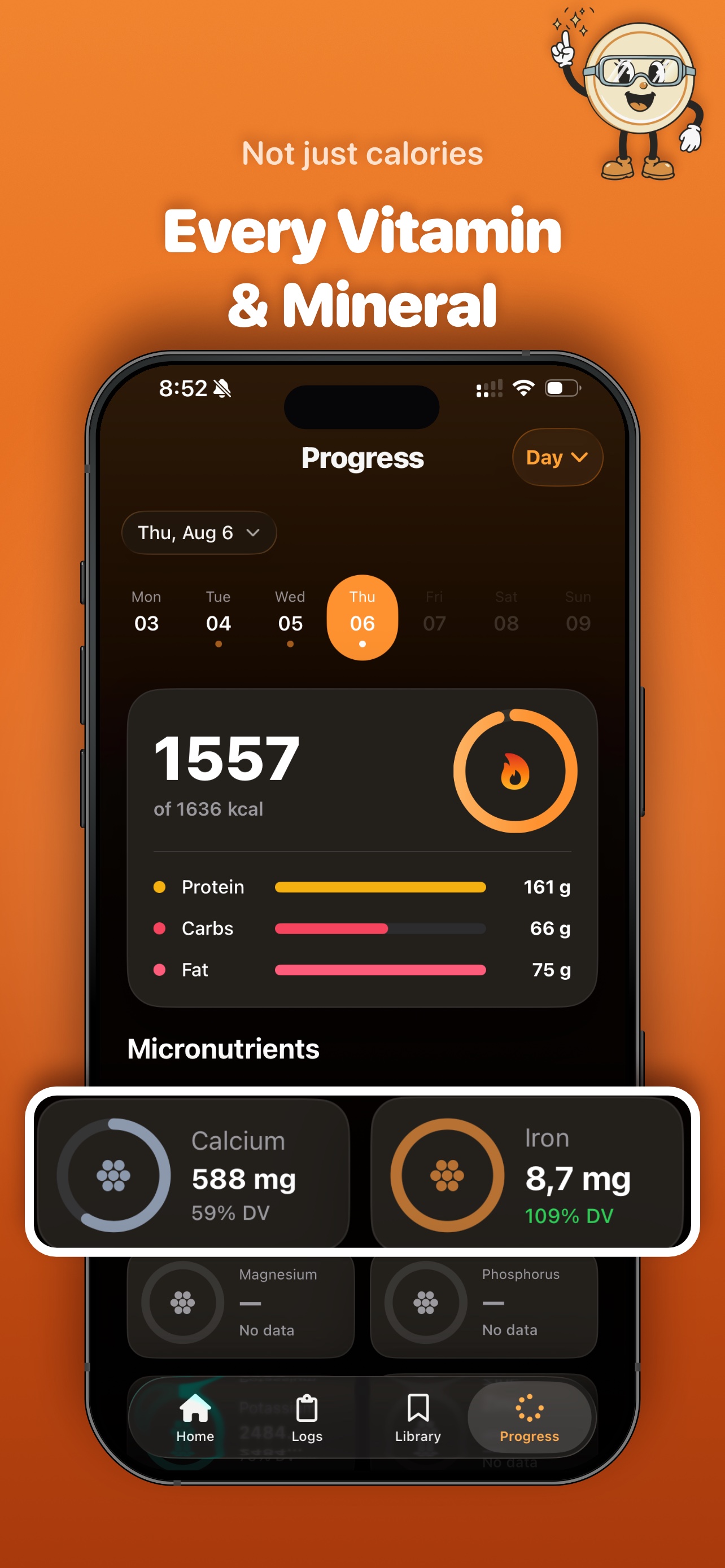
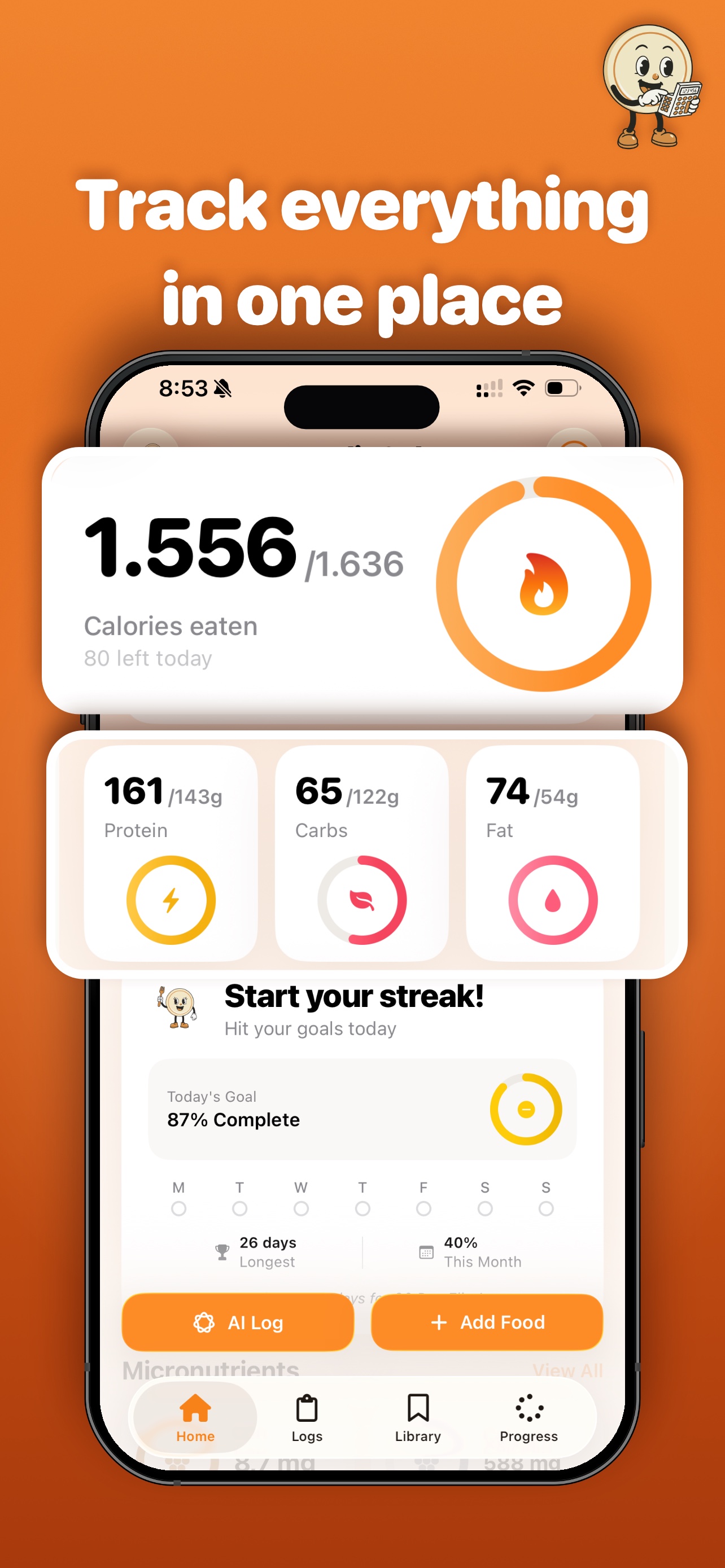
Dashboard cards show calories, macros, streaks, goal status, weight trends, and optional AI nutrition insights.

Stay native

The app uses SwiftUI, WidgetKit, SwiftData, Swift Charts, VisionKit, HealthKit, and Apple Foundation Models instead of a web wrapper.

Screens

Real app surfaces, framed like the product deserves.

The rendered hero stays as a quick storytelling mockup, and the real screenshots show the actual FoodieCalc interface in motion.

FoodieCalc dashboard showing calories, macros, day streak, AI Log, and Add Food actions.
Dashboard
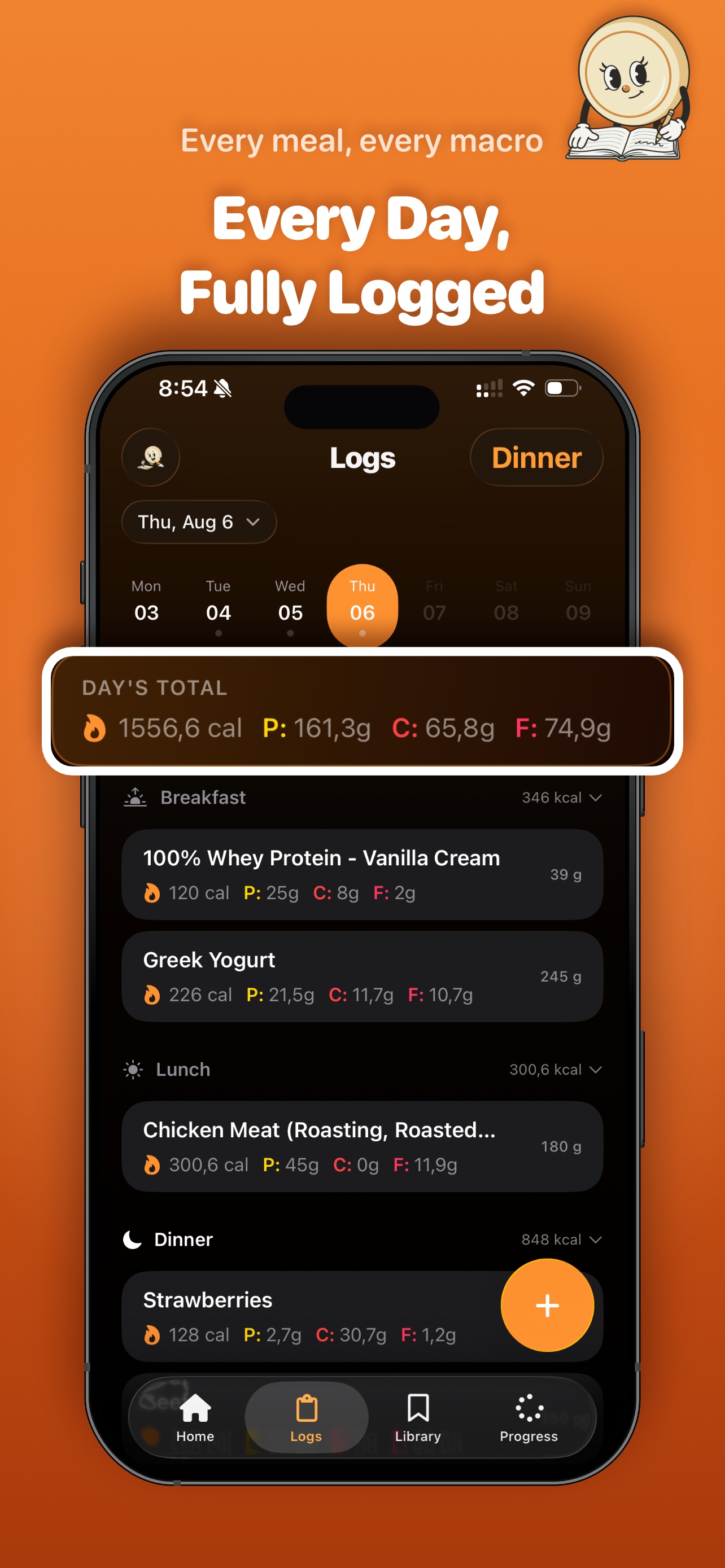
FoodieCalc diary screen showing daily totals and meal entries.
Diary
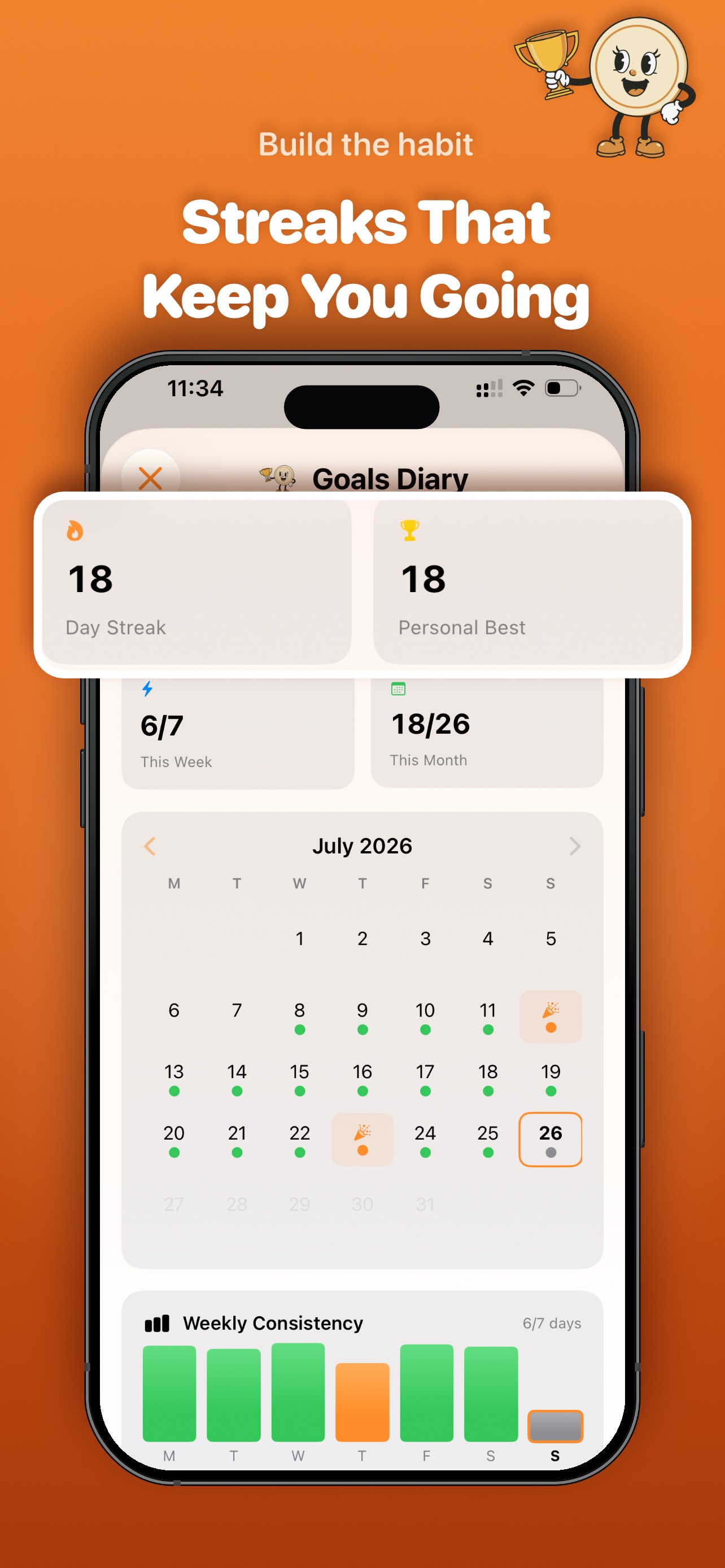
FoodieCalc goals diary showing streak stats, calendar progress, and weekly consistency.
Goals Diary

Widgets

Progress that fits outside the app.

FoodieCalc widgets use compact App Groups snapshots so users can check macros and calories without opening the full diary.

FoodieCalc macro widget showing calorie progress and protein, carbs, and fat bars.

WidgetKit

Macro context at a glance.

The widget design keeps the app's warm visual language while focusing on the numbers that matter during the day: calorie progress, protein, carbs, and fat.

Personality

A mascot system that makes nutrition feel less clinical.

FoodieCalc uses playful mascot moments throughout dashboard, diary, insights, and weight tracking so the app feels friendly without losing precision.

FoodieCalc healthy meal plate mascot

Product language

Warm, native, and a little bit cheerful.

The mascot gives FoodieCalc a memorable identity across empty states, streaks, insights, and educational moments. It is playful, but it still sits inside a clean native iOS interface.

FoodieCalc plate mascot
Dashboard
FoodieCalc calculator food log illustration
Diary
FoodieCalc nutrition insight illustration
AI insights
FoodieCalc weight log illustration
Weight

Architecture

Modular where it matters, native everywhere.

SPM modules

FoodieCalc is split into base packages like FCTools, FCRouter, FCDesignSystem, FCThemeManager, FCNetworking, and FCOnDeviceAI, plus feature packages for Dashboard, Food Log, Food Library, Goals, Barcode Scanner, User Profile, and Weight Tracker.

Coordinator navigation

The main app coordinates onboarding, dashboard, diary, and library flows with route enums, child coordinators, and a sidebar-adaptable tab layout for iPhone and iPad.

SwiftData foundation

A versioned SwiftData schema owns foods, recipes, meals, daily log entries, goals, weight entries, and cheat days, with CloudKit-backed iCloud sync for personal Apple devices.

Widgets and deep links

WidgetKit surfaces daily progress, streaks, quick log actions, and Lock Screen summaries through App Groups snapshots and deep links back into the right tab.

Technical article

How the app is being built

A developer-facing writeup of the architecture and latest iOS APIs behind FoodieCalc.

SwiftUI / SwiftData / Widgets / AI

Building FoodieCalc as a modular SwiftUI app

The article covers the SPM package graph, Swift concurrency choices, coordinator navigation, WidgetKit sync, adaptive layouts, SwiftData, and CloudKit-backed iCloud sync.

Details

Everything important has a page.

Policies, attribution, and release notes are part of the product experience too.